Punch Lists That Actually
Get Closed Out
Stop chasing subcontractors, repeating walkthroughs, and wondering what's finished. Create punch list items, assign them, require photo proof, and close every issue with confidence.
Trusted by thousands of contractors, builders, and project managers
Still Chasing Punch List Items Through Text Messages?
Most job closeouts run on screenshots, sticky notes, and group chats. Here's what that actually looks like on the ground.
“I Thought That Was Done”
Items get verbally confirmed and then quietly fall off the list. Nobody has a record of what was agreed.
Photos Buried in Text Threads
Proof photos live in iMessage, WhatsApp, and email threads. Finding the right one at the wrong moment is a nightmare.
Repeating the Same Walkthrough Twice
You walk the job, call it done, then walk it again because half the items were never actually addressed.
Waiting on subcontractor updates
You have no idea if the sub even saw your message. No status, no ETA, no visibility into what's actually happening.
Final Payment Delayed
The owner won't release the final draw until every punch item is signed off — and you can't prove they're done.
Missing Closeout Documentation
A warranty claim comes in six months later and there's no record of what was done, when, or by whom.
TaskTag's punch lists keep every closeout item assigned, documented, and easy to track, so nothing gets missed before handoff.
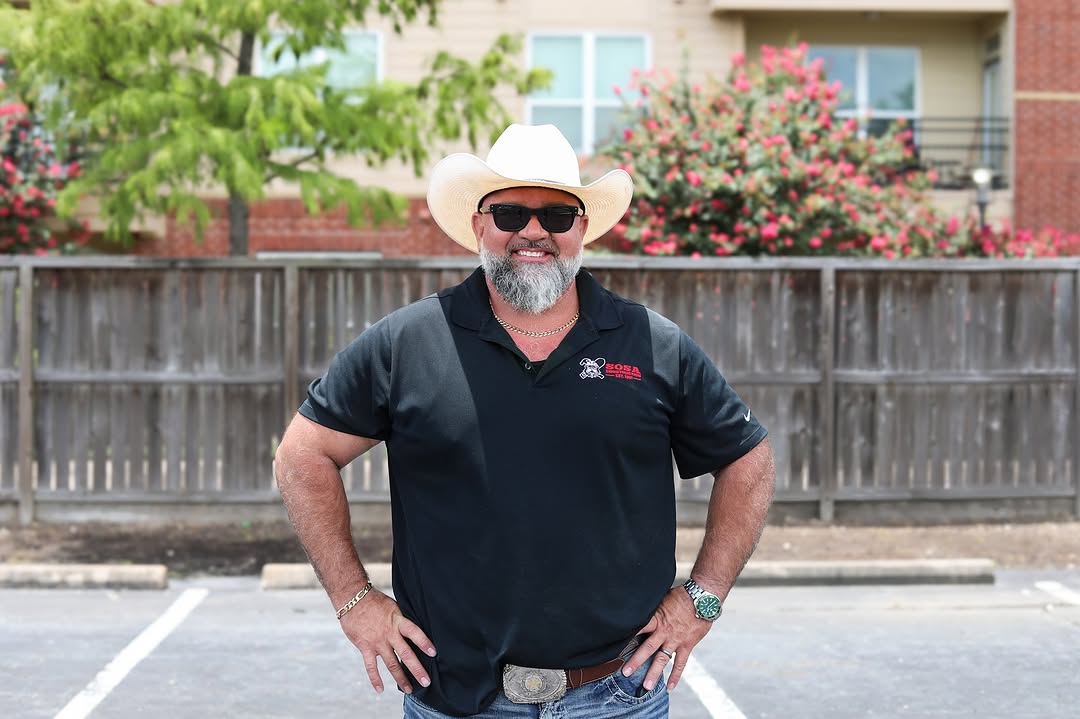

George Sosa — Customer Story
What Contractors Achieve with TaskTag
Reduction in punch list disputes at closeout
Faster final walkthrough documentation
Punch list items assigned with photo proof
From Walkthrough to
Final Signoff in Four Steps
TaskTag guides your team from the first flagged item to the final signed report —
all from one app.
Walk the Job
Create punch list items directly from your phone as you walk the site. Add a photo and description in seconds.
Works on iOS & AndroidAssign the Work
Assign items to crew members or subcontractors with a due date. They get notified instantly — no group texts needed.
Instant push notificationsVerify Completion
Require before-and-after photos before any item can be marked complete. No photo, no close — every fix is proven.
Photo proof on every itemClose Out
Export a professional closeout report for clients or project files — complete with photos, timestamps, and every resolved item.
One-tap PDF exportEverything You Need to
Close Out Jobs Faster
Six core capabilities built specifically for contractors managing punch lists in the field.
Punch List Management
- Create unlimited punch items
- Organize by project
- Priority levels
Assign to Crew or Subs
- Clear ownership
- Due dates
- Live status
Photo Documentation
- Before & after photos
- Timestamped proof
- Permanent records
Real-Time Updates
- Instant notifications
- Live completion status
- Everyone sees progress
Closeout Reports
- Export PDF
- Share with owners
- Final signoff
Client Visibility
- Transparent project progress
- Shared approvals
- Faster signoff
The Old Way vs. The Right Way
See how contractors take control of their closeout process the moment they switch to TaskTag.
The Old Way
-
Text messages
No record. No accountability.
-
Forgotten notebook lists
Left on the truck. Lost at handoff.
-
Unclear ownership
Nobody knows who's responsible.
-
Missing photos
No proof. No protection.
-
Duplicate walkthroughs
Walking the same job twice, three times.
-
Delayed payment
Final draw held until punch list is done.
The Right Way
-
Live punch board
Every item visible, tracked, and timestamped.
-
Assigned responsibility
Every item has an owner and a due date.
-
Photo verification
Before & after required to close any item.
-
Real-time updates
The whole team sees progress as it happens.
-
Faster signoff
Close jobs in hours, not days.
-
Complete documentation
PDF closeout report ready to export and share.
Guides Built for the Field
Practical reads for contractors managing punch lists, inspections, and job closeouts.

Daily Reports for Contractors
Keep every jobsite day documented with structured daily reports — weather, crew, and progress all in one place.
Read More →
Field Inspection Workflow Guide
A step-by-step system for running field inspections that actually lead to documented, closed-out punchable items.
Read More →.jpg?width=800&height=600&name=1%20(77).jpg)
Delivery Photo Proof
How to use photo documentation to protect yourself on material deliveries and prevent costly billing disputes.
Read More →
CompanyCam vs. TaskTag: Which Is Right for Your Crew?
An honest side-by-side breakdown of features, pricing, and real-world use on the jobsite.
Read Comparison →
Inspection Workflow Best Practices
A simple, repeatable inspection workflow template your team can follow on every project — from framing to final.
Read More →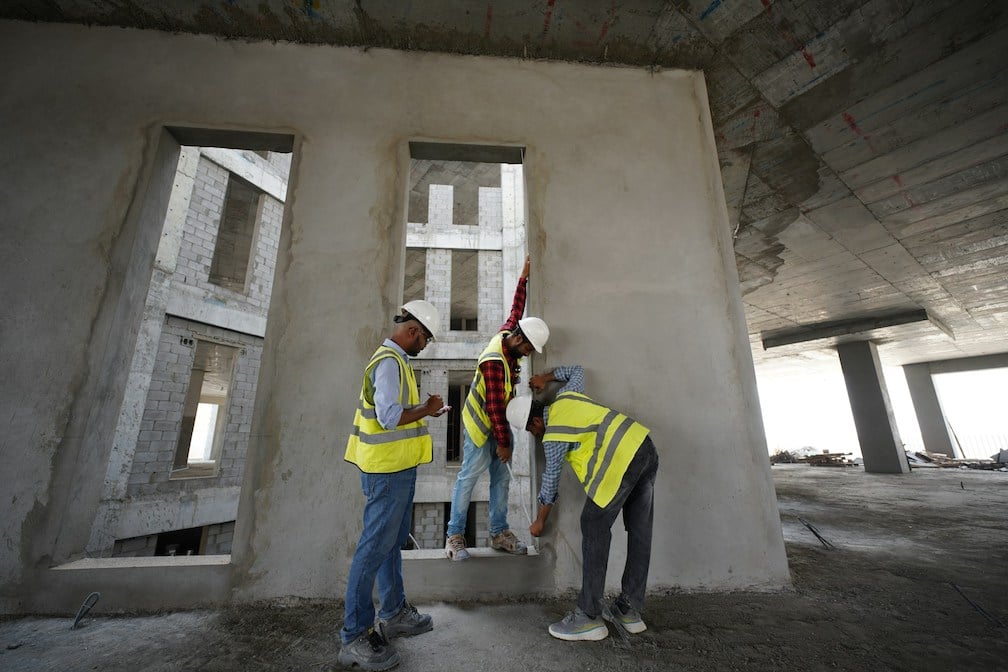
Construction Daily Report Template in 2026
Download a free, field-tested daily report template for construction teams — plus tips to make it a daily habit.
Get Template →Frequently Asked Questions
Everything contractors ask before switching to TaskTag
for punch list management and job closeout.
A construction punch list is a formal list of tasks, defects, and unfinished items that must be completed before a construction project is considered finished and final payment is released. It is typically created during the final walkthrough inspection by the general contractor, project manager, or owner's representative.
Punch list items commonly include paint touch-ups, fixture installations, grout repairs, door adjustments, and any work that doesn't meet the agreed specifications. Each item is documented, assigned to the responsible trade or subcontractor, and tracked until resolved and signed off.
Modern construction teams use a punch list app like TaskTag to replace paper lists and group text threads with a digital, photo-verified system that keeps every item accountable from first flag to final closeout.
Contractors create a punch list item from their phone during a walkthrough, attach a photo and description, and assign it to a crew member or subcontractor with a due date. Every item lives on a live punch board where status updates in real time until it's closed out.
Yes. Subcontractors assigned to a punch list item get notified instantly and can update status, attach before-and-after photos, and mark items complete directly from their phone — no group texts required.
Yes. TaskTag can require a before-and-after photo before any punch list item can be marked complete. No photo, no close — so every fix is documented and proven.
Yes. You can share a live link to your punch list so property owners and clients see real-time progress — including which items are open, in progress, or resolved — without calling for an update.
Yes. Export a professional closeout report as a PDF with every item, photo, timestamp, and resolution status included — ready to share with clients or keep for your project files.
TaskTag is mobile-first for iOS and Android. Crews create, assign, and close out punch list items directly from the jobsite — no laptop needed.
Yes. Organize punch lists by project so every item stays tied to the right job. Switch between active projects instantly and keep every closeout separate and organized.
Stop Losing Jobs to a Messy Punch List
Get total control over closeout. Create, assign, and finish punch lists from your phone — free to start.
Get Started FreeNo credit card required · Setup in minutes · Cancel anytime