TaskTag vs Buildxact: Built for Different Parts of the Job
Buildxact handles the office side: estimating, takeoffs, quoting, scheduling, and cost tracking.
TaskTag handles what happens after the estimate is approved: crews connected, work tracked, the jobsite documented, and the office seeing the field in real time.
Get Started FreeTaskTag
- Crew mobilization
- Tasks
- GPS time
- Jobsite photos
- Project Reports
- Punch list
Buildxact
- Plans received
- Takeoff
- Estimate
- Quote
- Project awarded
- Budget and schedule
Which part of the job is breaking down?
The right choice depends on where your current process falls apart.
Estimating is the bottleneck.
You need digital takeoffs, detailed estimates, quoting, material pricing, scheduling, cost tracking, and accounting connections.
Jobsite execution is the bottleneck.
You need crews talking, tasks accountable, hours tracked, photos organized, and field updates reaching the office without digging through texts.
You need both.
Use an estimating tool for pre-construction and TaskTag for field communication, documentation, crew visibility, and daily work.
TaskTag vs Buildxact
Both support construction businesses. Their core workflows are different.
| Buildxact | TaskTag $16/Member/Mo billed yearly Try TaskTag Free | |
|---|---|---|
| Primary focus | Estimating, takeoffs, quoting, scheduling, cost tracking, and construction management | Field communication, task management, jobsite documentation, and crew visibility |
| Best suited for | Builders, contractors, estimators, and project managers running estimating and pre-construction | Contractors, field supervisors, builders, remodelers, and crews running daily jobsite work |
| Communication | Customer communication, project communication, and subcontractor coordination | Project-linked team communication and updates |
| Time tracking | Scheduling and project management, with workforce time tracking through integrations | GPS location on clock-ins and timesheets |
| Photo documentation | Project and document management with site management capabilities | Timestamped project photos with task and project context |
| Tasks | Project scheduling and task management tied to broader construction workflows | Assignable tasks, checklists, progress updates, and photo proof |
| Estimating | Not a core focus | |
| Digital takeoffs | Not a core focus | |
| AI estimating | Blu AI tools for estimating and takeoffs | Not a core focus |
| Supplier and dealer pricing | Dealer connections and pricing workflows | Not a core focus |
| Accounting | Accounting integrations and financial project workflows | Not a core focus |
| Primary environment | Office plus mobile and project management | Jobsite and mobile |
Built around how crews actually work
Software only works if the crew uses it.
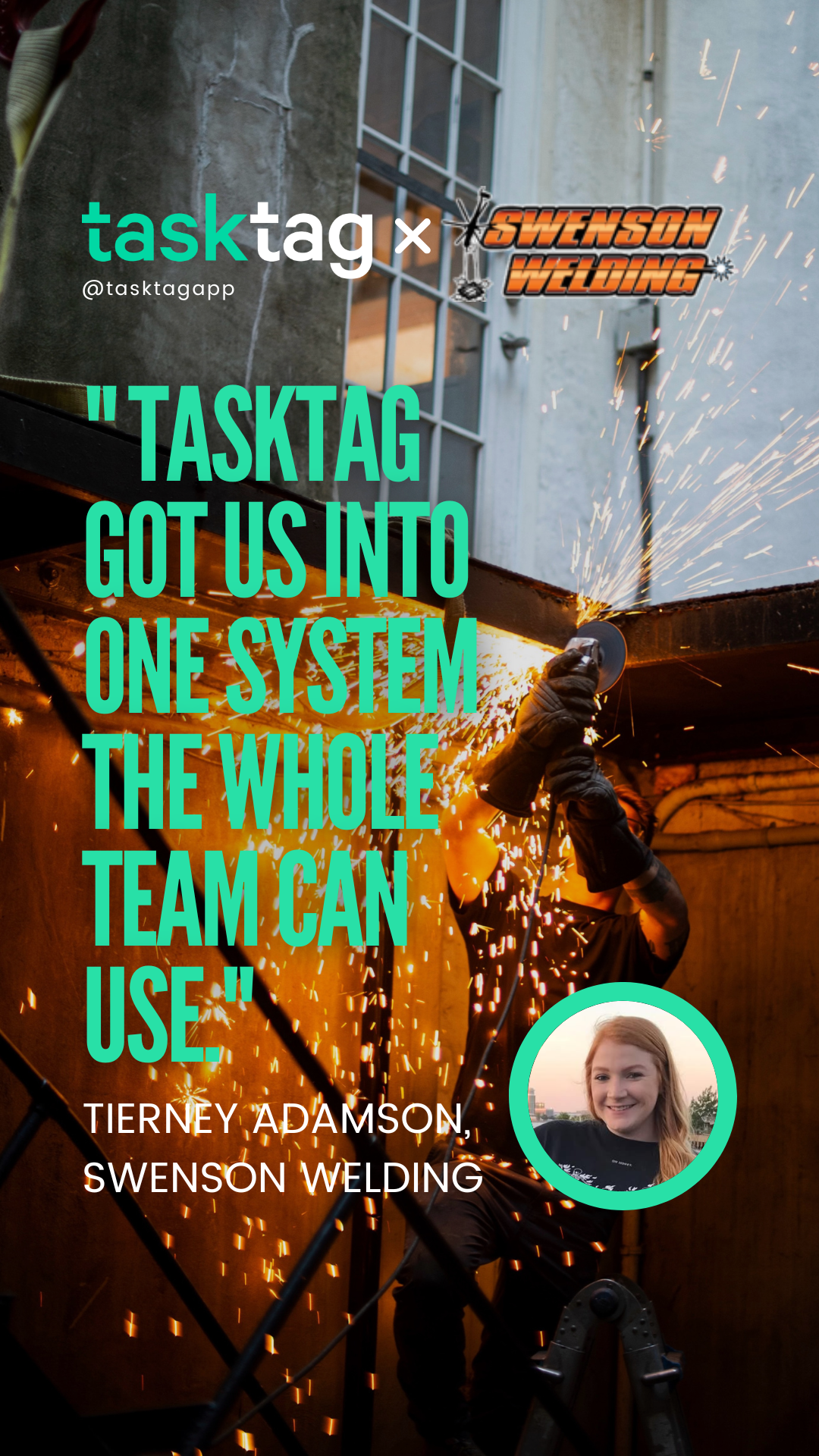
It’s the one software that we actually like and my boys use.
TaskTag works like the texting your crew already does. They chat, update tasks, document work, and track time without learning an office-heavy system.

What field teams get with TaskTag
Tools built for daily jobsite work.
GPS
Clock-in locations
See when and where each crew member clocks in.
100%
Project-linked records
Photos, updates, tasks, and records stay tied to the job.
5 min
Setup
Get a crew started without a long rollout.
Free
Plan available
Start organizing jobs without a credit card.
Figures describe TaskTag product capabilities, not a head-to-head test against Buildxact.
Same project. Different jobs for the software.
Buildxact can handle the estimating side. TaskTag can handle field communication and documentation. Together, they cover different stages of the same job.
Buildxact
Pre-construction
- Plans received
- Takeoff
- Estimate
- Quote
- Project awarded
- Budget and schedule
TaskTag
Field execution
- Crew mobilization
- Tasks
- GPS time
- Jobsite photos
- Project Reports
- Punch list
Some contractors use specialized software for estimating and pre-construction, then a field-first app for daily work.
Get Started FreeGo deeper into TaskTag
Features that connect your field team to the jobs they build.
Photo Documentation
Keep photos and videos tied to the project, not scattered across phones.
View photo featuresGPS Time Tracking
See where your crew clocks in and out, and keep timesheets on mobile.
Explore time trackingTask Management
Assign work and track progress so your team stays accountable and on schedule.
Manage your tasksDaily Reports
Turn field photos, notes, and progress updates into reports the office can use.
View daily reportsPunch List Tracker
Close out faster by tracking every fix and inspection on your phone.
Track punch listsGuides for contractors
Practical reads on estimating, field communication, documentation, time tracking, and project management.
GPS timesheets for construction
How GPS clock-in locations help back up your crew’s hours.
8 min read
Read More →
Daily field reports for construction
What to include so the office stays informed.
9 min read
Read More →
Punch list app for contractors
Why mobile punch lists are replacing paper clipboards.
6 min read
Read More →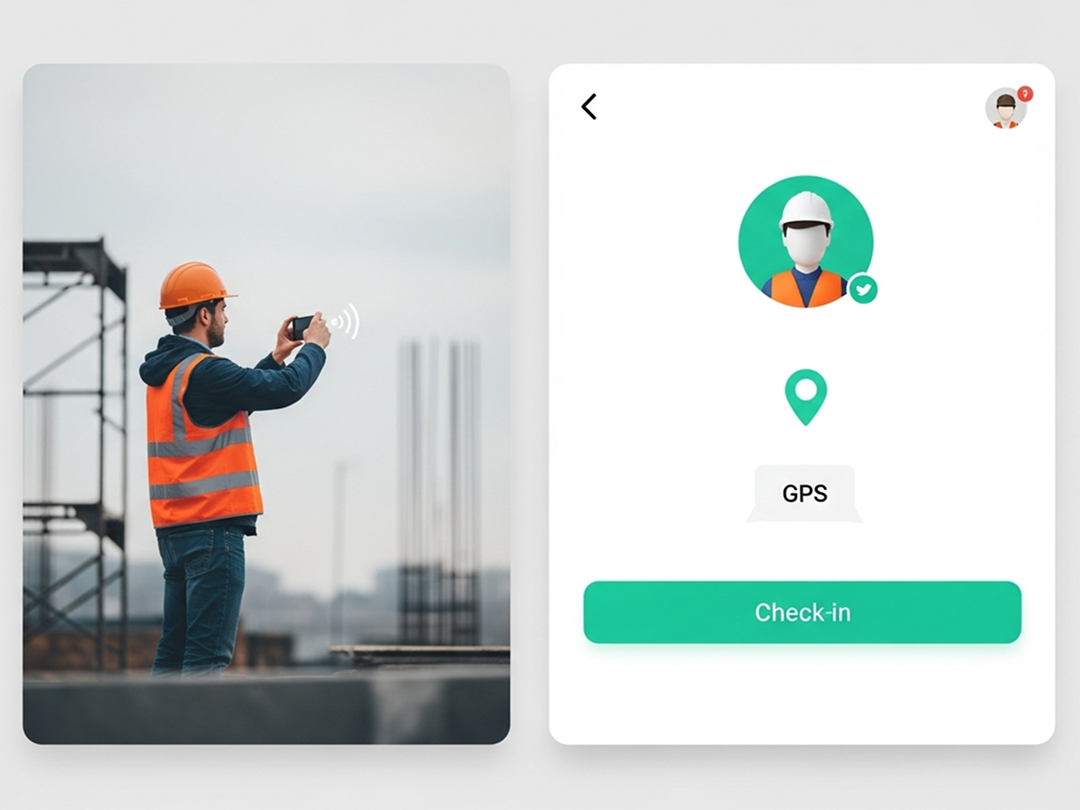
Construction time tracking software
The best tools for tracking crew hours and labor costs.
6 min read
Read More →.jpg?width=800&height=600&name=1%20(77).jpg)
Photo documentation best practices
Use jobsite photos to protect your business.
7 min read
Read More →
Construction project management
Balancing pre-construction planning and field execution.
10 min read
Read More →TaskTag vs Buildxact FAQ
Common questions on estimating, field work, and which tool fits your crew and your workflow.
It depends on which part of the job is breaking down. If estimating is the bottleneck, Buildxact covers digital takeoffs, estimates, quoting, and cost tracking. If jobsite execution is the bottleneck, TaskTag keeps crews talking, tasks accountable, hours tracked, and photos organized. Many contractors use both.
Buildxact handles the office side: estimating, takeoffs, quoting, scheduling, and cost tracking. TaskTag handles what happens after the estimate is approved: crews connected, work tracked, the jobsite documented, and the office seeing the field in real time.
No. Estimating, digital takeoffs, and supplier pricing are not a core focus for TaskTag. TaskTag is built for field communication, task management, jobsite documentation, and crew visibility once the work is underway.
Yes. Estimating and digital takeoffs are core to Buildxact, along with Blu AI tools for estimating and takeoffs, dealer connections and pricing workflows, and accounting integrations.
Yes. TaskTag records GPS location on clock-ins and timesheets, so you can see when and where each crew member clocks in and keep timesheets on mobile.
Yes. TaskTag keeps timestamped project photos and videos tied to the project and task they document, not scattered across phones.
Yes. Buildxact can handle the estimating side: plans, takeoffs, estimate, quote, budget, and schedule. TaskTag can handle field communication and documentation: crew mobilization, tasks, GPS time, jobsite photos, reports, punch lists, and closeout. Together, they cover different stages of the same job.
Neither is better at everything, because they are built for different parts of the job. Choose Buildxact if you need estimating and pre-construction tools. Choose TaskTag if your crews, tasks, photos, time, and jobsite chat live in five places and you need them in one.
Ready to put the field back in sync?
If your crews, tasks, photos, time, and jobsite chat live in five places,
see how TaskTag pulls them together.
No credit card required · Free plan available · Cancel anytime