How InTown Homes Runs Multiple Jobsites Without Being at Every One
InTown Homes moved crews, vendors, and punch lists into TaskTag, so its construction lead and scheduler can see where every community stands, even when they’re not on-site.

Building Across Multiple Communities Takes More Than a Good Schedule
InTown Homes has built architecturally distinct residential communities across Texas for decades. TaskTag gives the team one shared place to talk, assign work, document progress, and check what’s happening across its projects.
Punch lists managed by Austin Wilcher from his phone
Construction activity coordinated across Texas communities
Spent per week on non-productive tasks, by industry research
For chat, tasks, photos, and documentation
*Source: FMI/PlanGrid, Construction Disconnected, 2018. Study of 599 construction field professionals.
TaskTag solved our biggest bottleneck: visibility. Now, I don’t need to be at every jobsite to know exactly where we stand. The photos and chat threads tell the whole story.

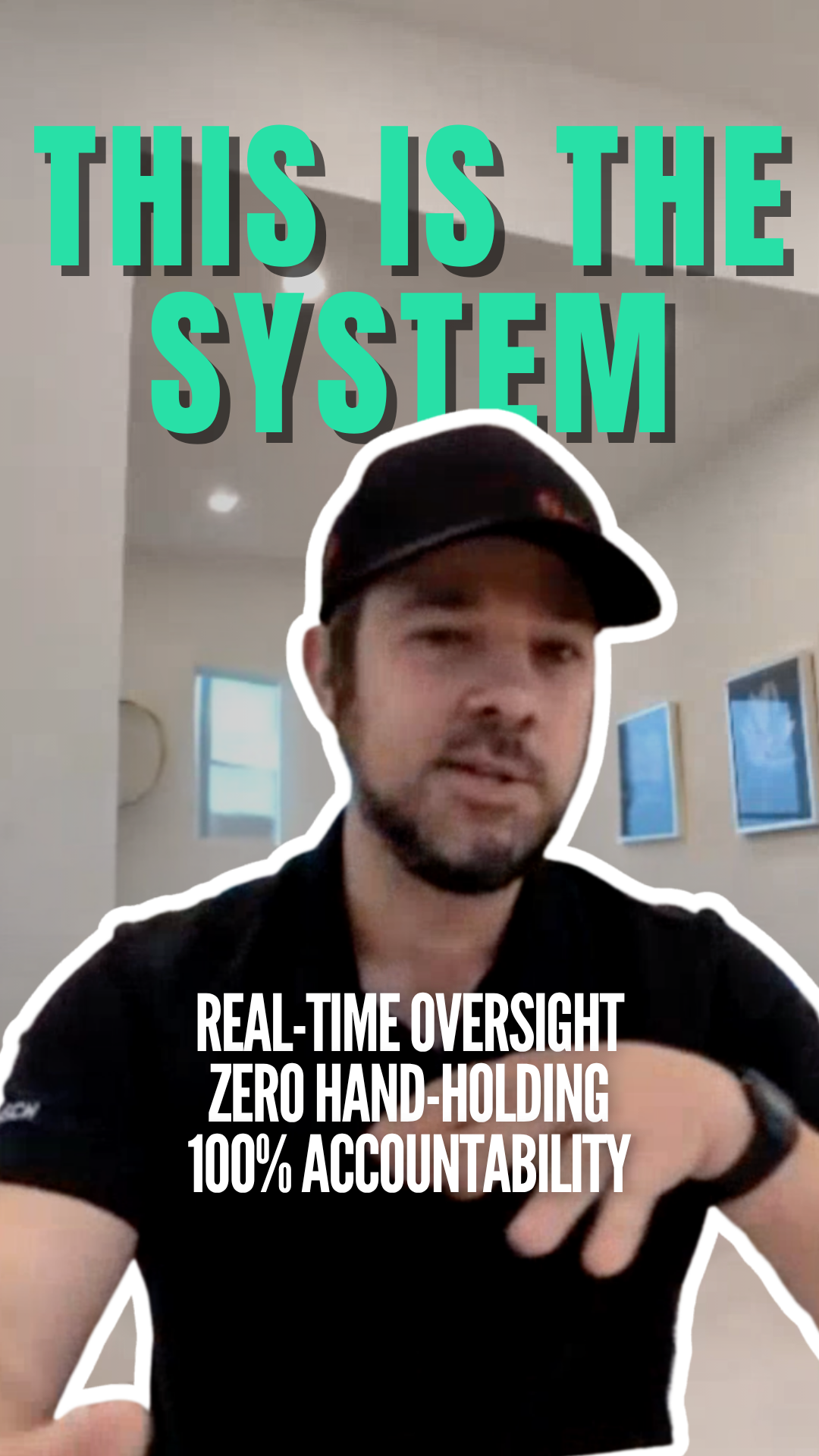
Watch Austin Wilcher explain why TaskTag is the system behind InTown Homes.
Before TaskTag: Too Many Places to Check, Too Many Updates to Chase
Important jobsite information lived in email, group texts, phone galleries, and paper notes. Austin and Jeanette felt it every day.
The scattered workflow
-
Scattered information
Email threads, texts, and notes lived on different devices.
-
Slow retrieval
Scrolling through weeks of texts to find one delivery photo.
-
Constant follow-ups
Repeated check-ins to confirm work was actually finished.
“We’d have four or five different email threads and text chains going on about the same house.”
Austin Wilcher, Construction Lead
The TaskTag workflow
-
Organized by project
Every photo, message, and task stays tied to its project and lot.
-
Instant retrieval
Search by project or tag to find an update without scrolling through texts.
-
True site visibility
Schedulers see progress as it happens and adjust before small issues grow.
“If I wanted to check if a vendor installed plumbing lines… I’d just check TaskTag instead of digging through emails.”
Jeanette Hinostroza, Scheduler
One Place to Keep Every Project Moving
InTown Homes brought project chat, photos, tasks, and checklists into one workflow. Instead of chasing updates, the team ties everything to the right jobsite.
Project-based chat
Organize conversations with project hashtags like #Addison, so every message stays tied to the right jobsite.
Photo documentation
Visual proof of progress and delivery records, organized by lot and ready whenever there’s a question.
Task assignment
Assign responsibilities and track progress across active communities without chasing updates.
Remote punch lists
Monitor checklist progress without constant in-person walks, from the office or from the road.
Project-based chat
Organize conversations with project hashtags like #Addison, so every message stays tied to the right jobsite.
Photo documentation
Visual proof of progress and delivery records, organized by lot and ready whenever there’s a question.
Task assignment
Assign responsibilities and track progress across active communities without chasing updates.
Remote punch lists
Monitor checklist progress without constant in-person walks, from the office or from the road.
A Construction Lead Who Doesn’t Have to Be at Every Jobsite
Austin Wilcher oversees construction activity across multiple InTown Homes communities. With TaskTag, he assigns work, shares instructions, reviews photos, and monitors checklist progress from his phone.
A project for each community
Create a project for each community or home.
The right crew, the right task
Assign tasks to the right crew members.
Photos and instructions
Attach photos and instructions to each task.
Progress as it happens
Review progress as crews finish the work.
Safety training
Share safety training videos with your crew and keep them with the project.
Activity log
Review project activity in the activity log.
Better Visibility for the Person Keeping Every Project on Track
Jeanette Hinostroza, Scheduler and Project Coordinator at InTown Homes, works across builders, vendors, and multiple active jobsites. Now she reviews conversations, finds tagged photos, assigns tasks, and verifies work in one place.
Vendor updates
Builders and vendors post progress updates inside the right project.
Delivery proof
Tagged photos let Jeanette check delivery details and settle questions fast.
Task coordination
Assign tasks to team members with notes, dates, and attachments.
Progress visibility
Review updates without calling or messaging the field team.
Less Time Chasing Updates. More Control Across Every Project.
With chat, task coordination, and photo documentation in one place, InTown Homes sees clearly what’s happening across its communities.
Better jobsite accountability
Crews see assigned work and update progress through tasks, checklists, and photos.
Faster access to documentation
Project-tagged photos, notes, and files are easy to pull up.
More visibility across sites
Construction leads and schedulers review updates without visiting every jobsite.
Clearer vendor coordination
Delivery photos and documented updates help the team verify work and settle questions.
Keep Learning
Guides on the workflows behind this case study.
Photo Documentation Best Practices
Build jobsite visual records that protect your business and verify work.
Read More →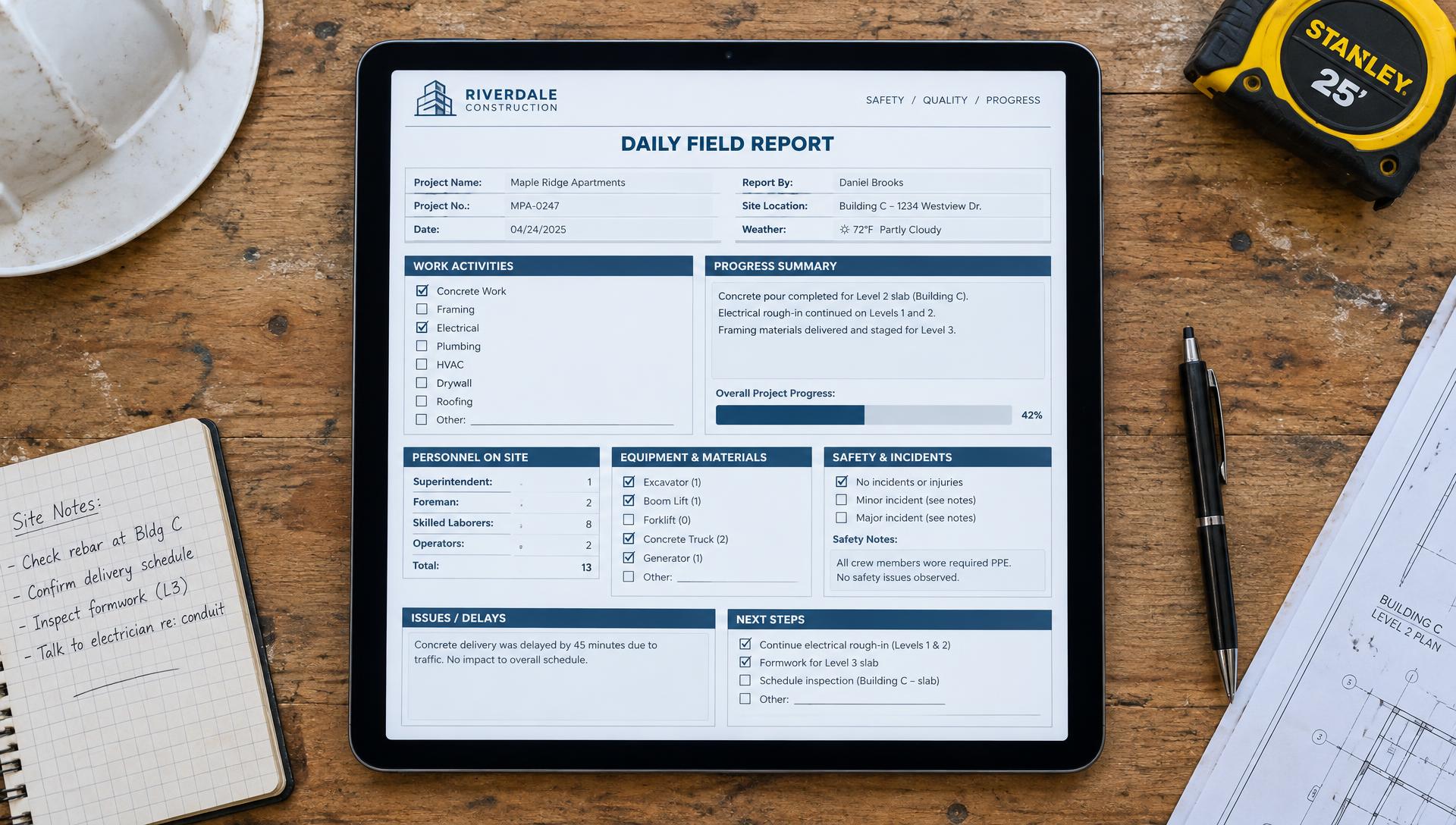
Daily Field Report Checklist
The items every daily field report should cover to keep the jobsite transparent.
Read More →
Change Order Management
Document and communicate scope changes without stalling the schedule.
Read More →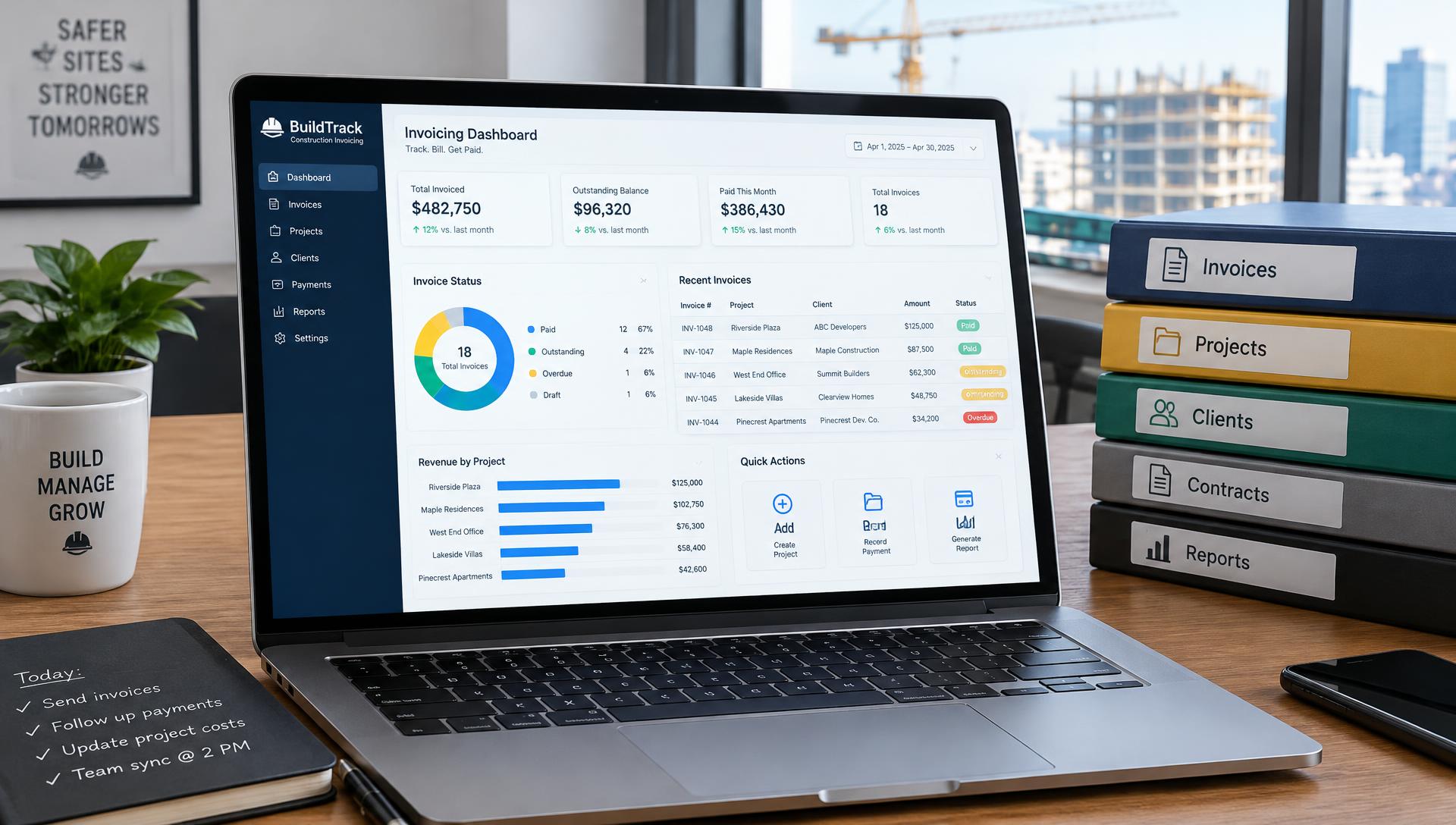
Subcontractor Invoices
Tie every invoice to documented work so payments move faster.
Read More →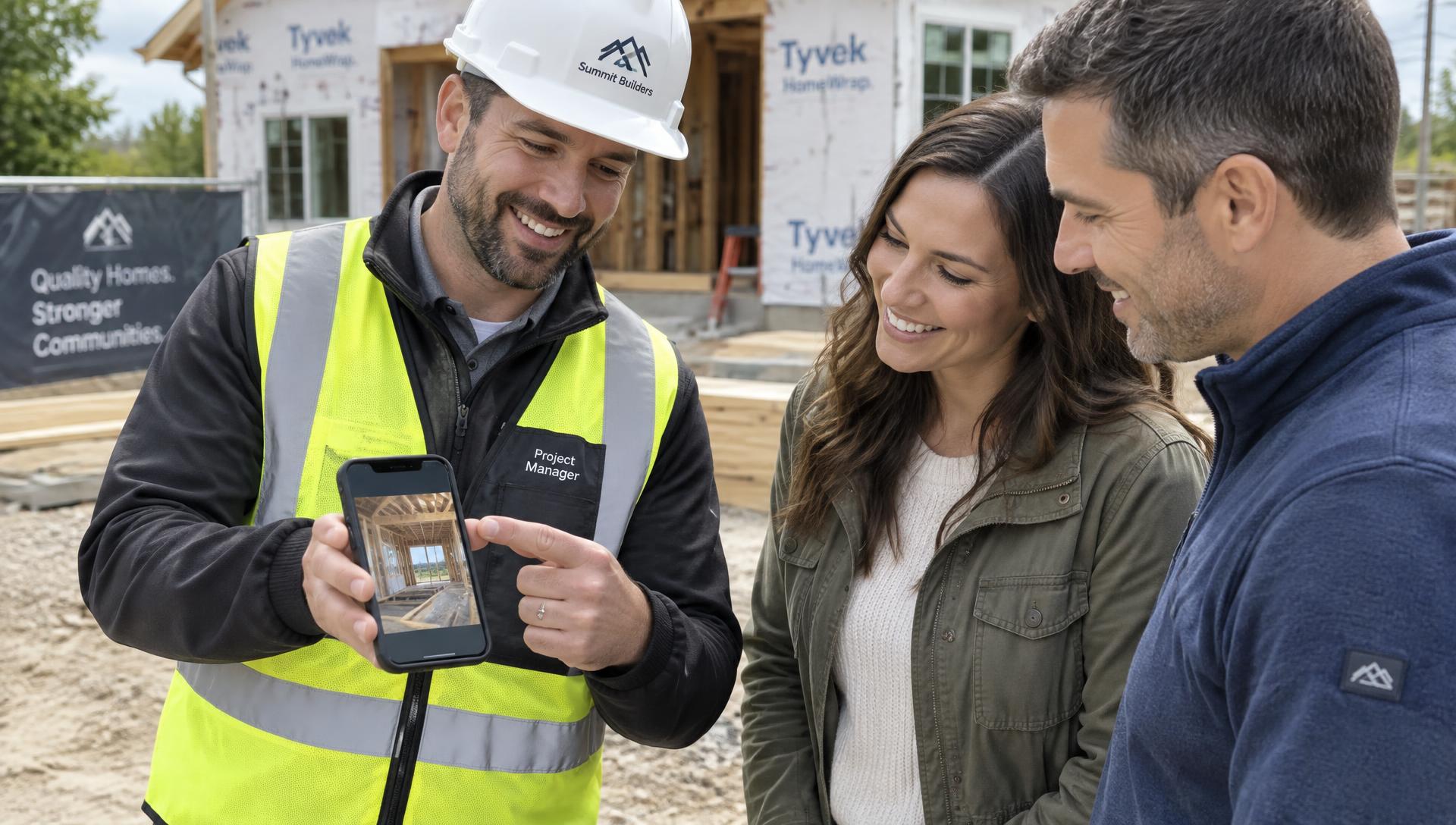
Client Communication
Keep clients informed with regular updates and photo proof, not text threads.
Read More →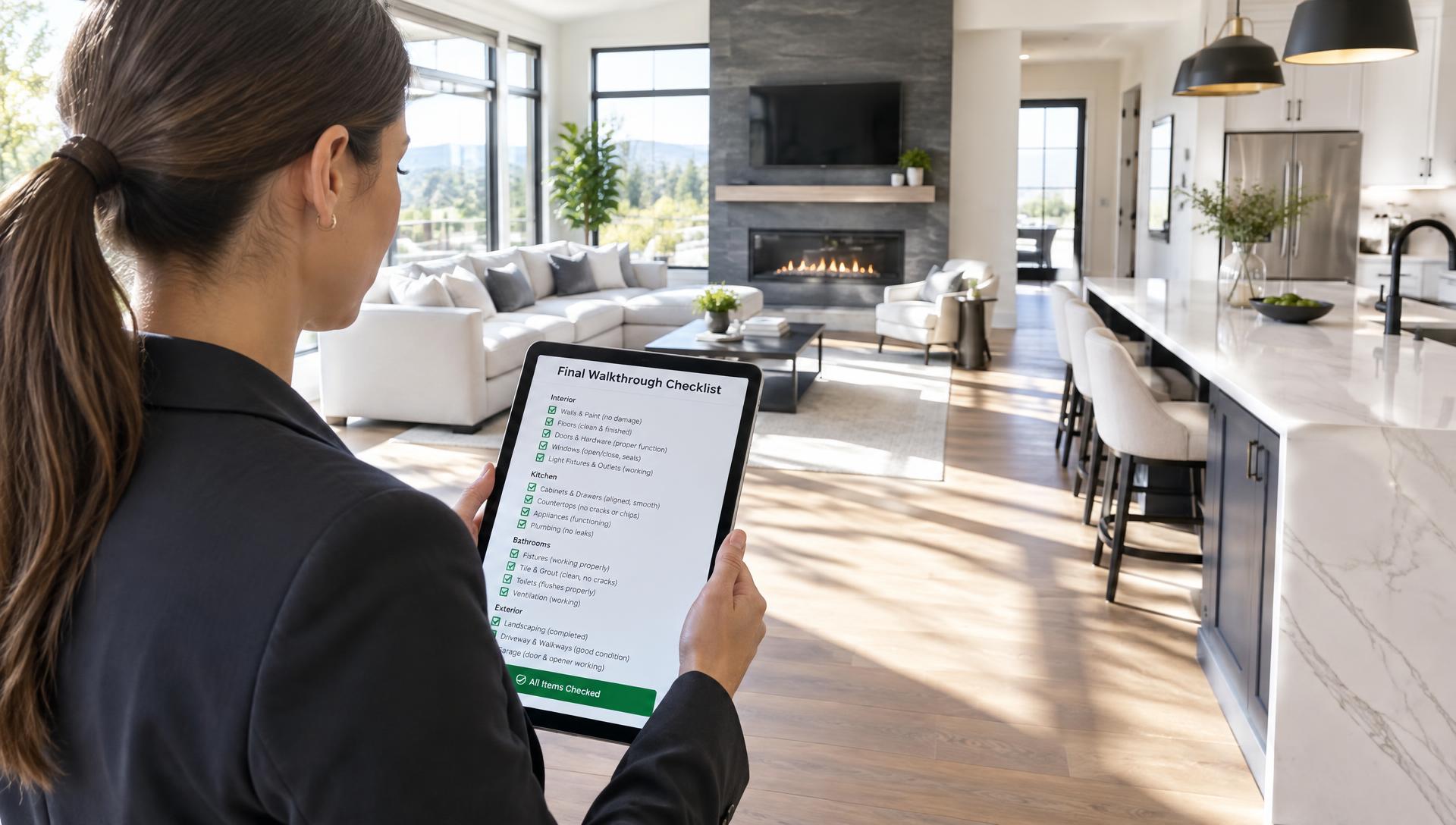
Closeout Checklist
What to verify before you hand a project over, so nothing slips at the finish.
Read More →Frequently Asked Questions
How construction teams use TaskTag to coordinate jobsites, manage crews, document progress, and keep projects moving.
Each jobsite, community, or home gets its own TaskTag project with its own chat, tasks, photos, and checklists. Updates from the field land in the right project automatically, so leads and schedulers can review every active site from one app instead of driving between them or digging through separate email and text threads.
Supervisors assign tasks to the right crew members, attach photos and instructions, and watch progress as crews finish the work — all from their phone. As Austin Wilcher at InTown Homes puts it, it’s like having a project assistant in your pocket.
Yes. Punch list items become tasks or checklist items inside the project, each with an owner, photos, and a status. Leads can monitor checklist progress remotely instead of walking every home. See the Punch List Tracker.
Vendors and crews post updates and tagged photos inside the right project. Every photo is time-stamped, so when a supplier says something was delivered on Tuesday, the scheduler can pull up the photo and timestamp in seconds and settle the question.
InTown Homes creates a TaskTag project for each community or home. Crews and vendors post photos, chat updates, and checklist progress there, so the construction lead and scheduler can see where every site stands and follow up without a drive or a phone call.
Yes. Photos are captured inside a project and can be tagged by lot, area, or hashtag, then searched by project, tag, or date. Nothing stays trapped on someone’s personal phone. Learn more about Photo Documentation.
Yes. Schedulers review project conversations, find tagged photos, assign tasks with notes, dates, and attachments, and verify finished work in one place — without calling or messaging the field team for every update.
TaskTag is free to start, with up to 3 active projects on the Free plan. The Team plan is $16 per user per month, billed yearly, and includes unlimited projects, GPS timesheets, and 2TB of shared storage. New teams get 30 days free with all features unlocked. See pricing.
Ready to Keep Every Jobsite on Track?
Put chat, photos, tasks, and field updates in one place. Your crew joins free.
Get Started FreeNo credit card required · Free plan available · Cancel anytime