
From Scattered Group Chats to Photo Proof: The Sosa Construction Story
See how Houston contractor George Sosa used TaskTag to organize crews, track materials, and protect projects with searchable photo documentation.
Poor communication between crews, subs, and managers
Searching for project photos, messages, and approval documentation
Timestamped photos beat verbal disputes every time
Even when crew members leave, all project knowledge stays accessible
Building in the Neighborhood He Grew Up In
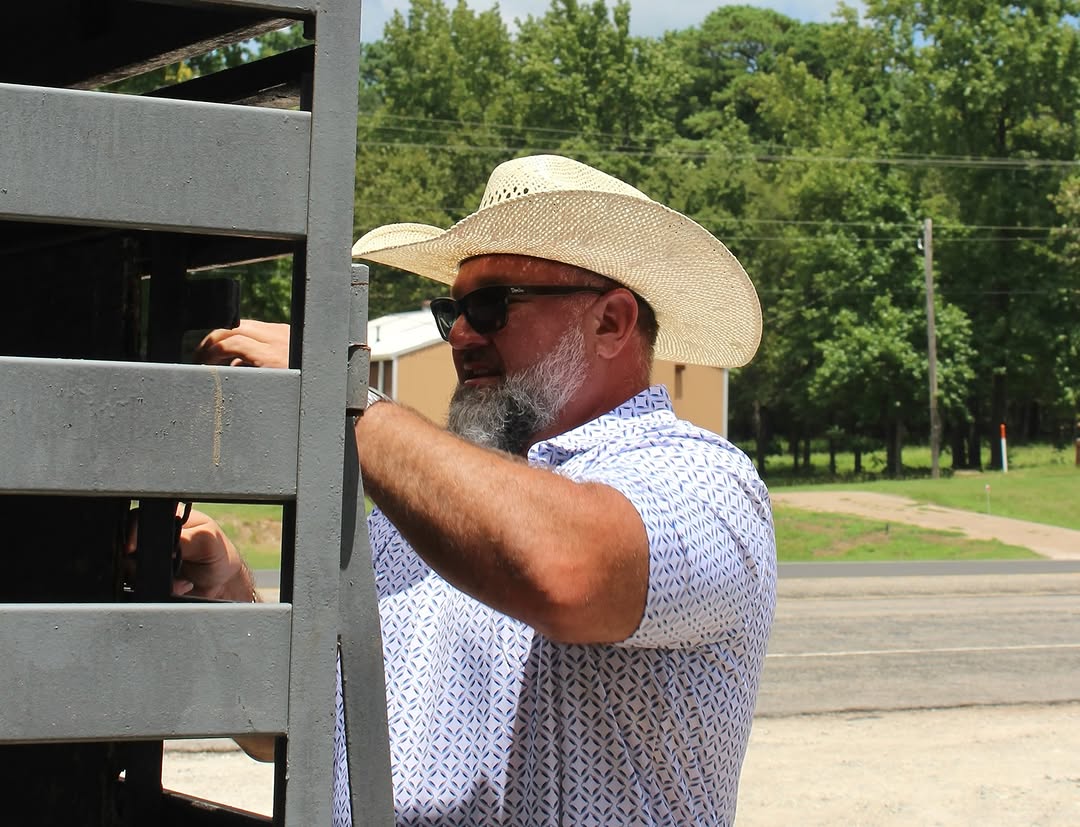
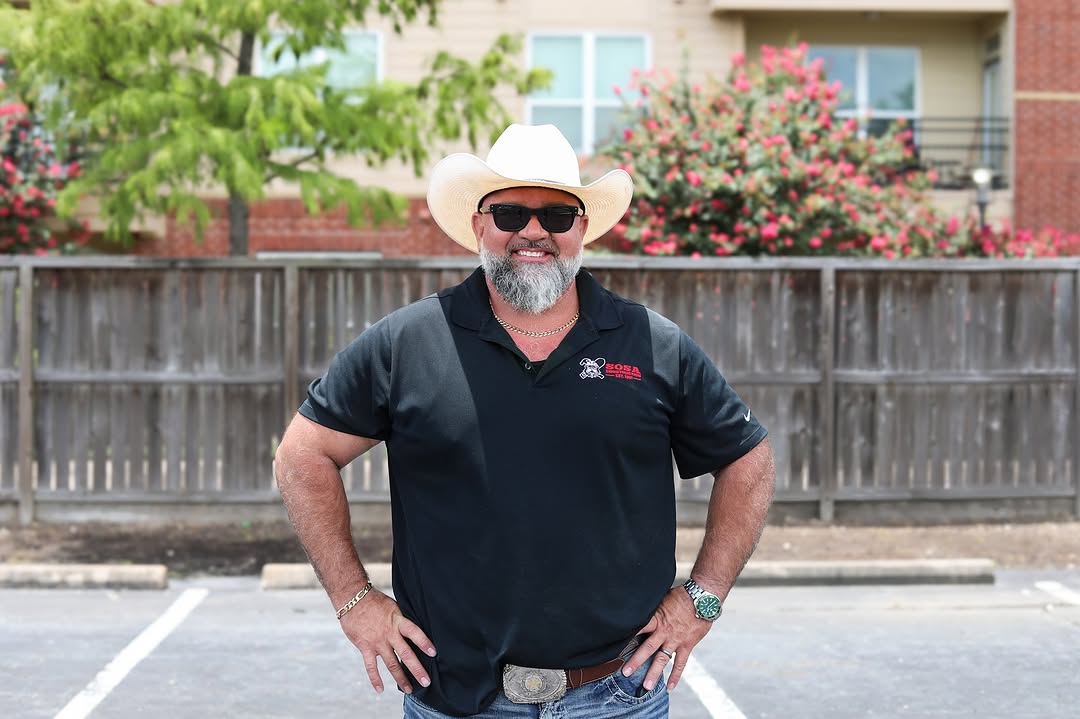
George Sosa didn't just start a construction company in Houston Heights — he came home to it. Growing up on these same streets, he watched the neighborhood evolve from a quiet residential area to one of Houston's most sought-after communities.
"When you're building for your neighbors, every detail matters. These aren't just clients — they're people I see at the grocery store, at church, at my kids' school."
Sosa Construction has been working the same streets for 15 years. George knows most of his clients before they call him — neighbors, church members, parents from his kids' school. A job that goes wrong doesn't just cost a contract. It follows him home.
That's why every crew member knows the standard. Photos logged, tasks assigned, nothing left in a text thread. In a neighborhood where one bad job gets talked about at the next block party, documentation isn't paperwork — it's protection.
15+
Years in Houston Heights
200+
Local Projects Completed
The Same Problems Every Growing
Crew Runs Into
As construction crews expand and projects multiply,
the same operational breakdowns happen again and again
Crew Phone Numbers Change Constantly
TaskTag makes the project — not the phone number — the permanent communication hub. When crew members change, project history stays intact and searchable forever. No more rebuilding your group chat from scratch.
Material Orders Got Lost in Text Threads
With TaskTag, every material request is tied directly to the project with photo proof. Requests are tagged, timestamped, and visible to everyone who needs them — no more buried orders or duplicate deliveries.
No Reliable Way to Prove the Work
Every project in TaskTag builds a permanent, searchable photo archive. Timestamped, GPS-tagged photos create ironclad documentation — disputes that used to take weeks are resolved in minutes with visual proof.
The Result: Wasted Time, Lost Money
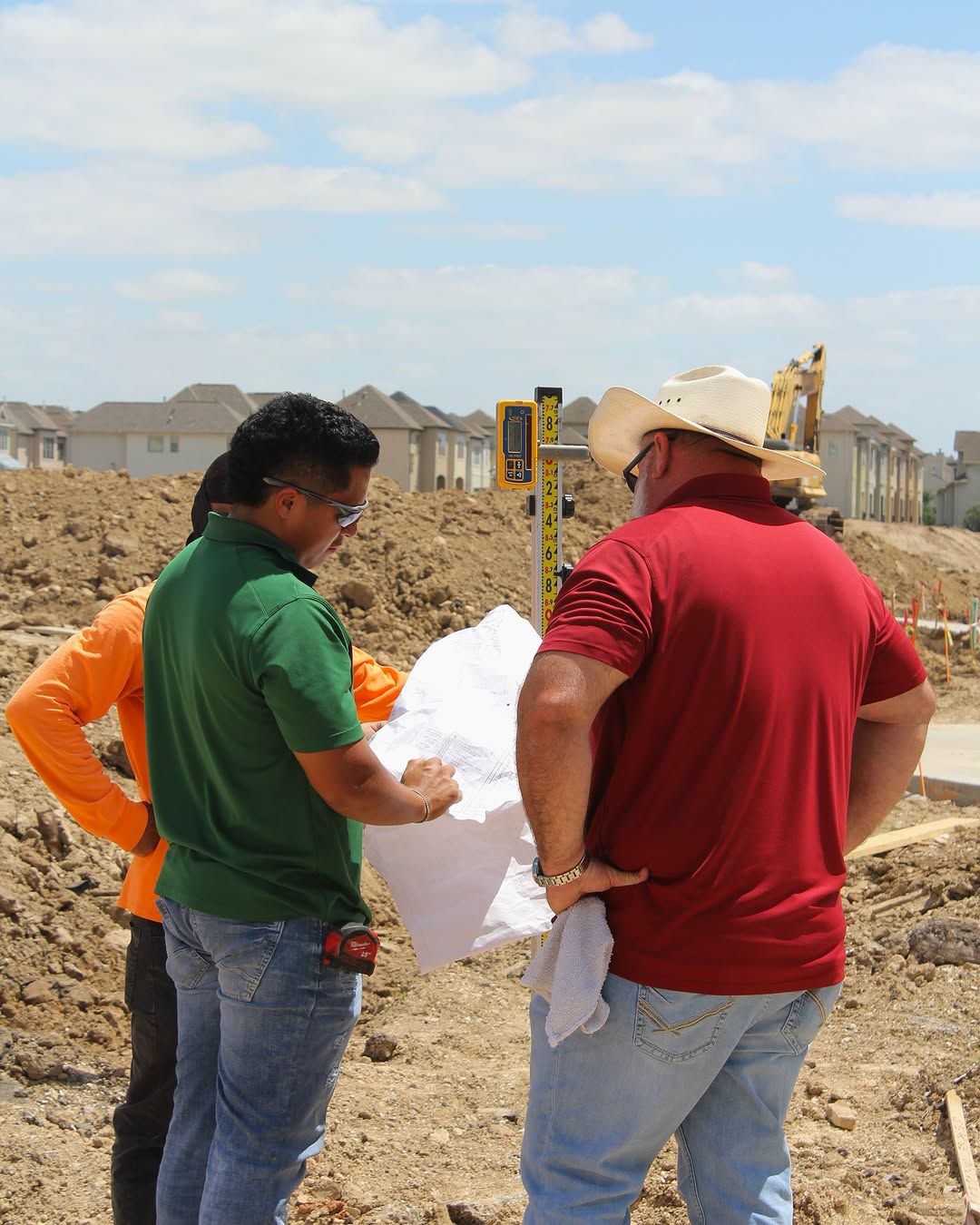
These aren't just minor inconveniences — they're profit killers. Every hour spent hunting down information, re-explaining work, or dealing with disputes is time not spent building.
- Missed updates when crew members change numbers
- Material orders lost in buried text threads
- Disputes with no photo proof to back you up
How Sosa Construction Uses TaskTag Every Day
A simple, repeatable process that keeps crews aligned
and projects documented from start to finish.
1. Send the Day's Schedule
Start time, materials, weather — everything the crew needs before they show up.
2. Keep Every Conversation on the Job
Messages tied to the jobsite, not buried in a group chat. Everyone's on the same page without the back-and-forth.
3. Snap It, Tag It, Done
Every photo timestamped and tied to the job. If a dispute comes up later, the proof is already there.
4. Send the Daily Report
One tap at end of day. Clients know where their job stands — without having to call.
What's Changed at Sosa Construction
TaskTag reduced operational gaps that slowed projects, delayed crews, and created unnecessary disputes.
My crew doesn't miss a thing anymore.
"We've got jobs running across Austin, Dallas, Houston, and everywhere in between. TaskTag helps me stay on top of every site with photos and updates in real time. When a client calls asking for progress, I already know exactly what's happening instead of scrambling for answers."

More Resources for Residential Contractors
Explore proven workflows, best practices, and implementation guides
to streamline your construction projects

Field Inspection Workflows for Custom Home Builders
Complete guide to implementing daily inspection checklists, photo documentation standards, and quality control processes that keep residential projects on track.
Read Guide →.jpg?width=800&height=600&name=1%20(77).jpg)
Construction Photo Documentation Best Practices
Learn how leading contractors organize jobsite photos, create client-ready progress reports, and build visual project histories that protect against disputes.
Read Guide →
The Ultimate Daily Field Report Checklist for Busy Contractors
Top contractors swear by a solid daily field report checklist to keep crews synced, work moving, and risks down. Step-by-step template built for busy job sites.
Read Guide →
How to Capture Before and After Construction Photos in TaskTag
Turn every job into a marketing asset. A centralized before-and-after photo log helps you document progress, prove quality, and generate content without chasing your crew.
Read Guide →
How to Streamline Client Communication Using TaskTag
Keep clients updated without chasing them down with phone calls or drowning in email threads. Deliver real-time project updates directly from the job site.
Read Guide →
Construction Closeout Checklist: Complete Project Closeout Guide
The last 5% of a project takes 20% of the time. A structured 5-phase closeout process compresses final payment delays and gets you paid faster.
Read Guide →Common Questions from Contractors
Learn how TaskTag solves the communication and documentation challenges construction crews face every day.
Mass updates through a centralized system work best. When George Sosa needs to change tomorrow's schedule, he sends one update that reaches all crew members instantly — no phone tag, no missed texts. TaskTag keeps crew rosters permanent and updates instant, even as crew members come and go. The key is having one reliable channel where schedule changes are documented, timestamped, and visible to everyone who needs them.
Photo documentation resolves disputes 85% faster than verbal explanations. When a homeowner questions work quality or completion, timestamped photos with GPS coordinates provide ironclad proof. Before TaskTag, George Sosa spent days hunting through old phones and deleted text threads trying to find the right photo. The gutter dispute that inspired this case study was resolved in minutes — not weeks — because the photos were instantly accessible with timestamps proving exactly when the work was completed.
Group chats depend on everyone keeping the same phone number. When crew members leave, change phones, or get disconnected, the entire communication structure collapses. Critical information also gets buried in endless message threads. TaskTag solves this by making the project — not the phone number — the permanent communication hub. Crew members can change, but project history stays intact and searchable forever.
Every phase needs timestamped photos showing before, during, and after states. This creates a visual timeline that protects you from scope creep, billing disputes, and warranty claims. The key is making documentation automatic — not an extra task. When photos are automatically tagged to projects with GPS coordinates and timestamps, crews document as they work without slowing down. Phase handoffs between trades become seamless when the next crew can see complete visual history of what's been done.
Scope disputes: Photos prove exactly what was agreed upon and completed. Billing disputes: Timestamped records show when work was done and materials delivered. Quality disputes: Before/after documentation demonstrates workmanship standards. The most common disputes stem from memory gaps — homeowners forget what was discussed, contractors can't prove completion timing. With permanent photo archives, every conversation becomes verifiable and disputes are answered before they escalate.
Still Running Projects
Through Text Threads?
Keep crews, photos, materials, and updates organized
in one place your whole team can actually use.
No credit card required · Free plan available · Cancel anytime