How Dom's Workshop Scaled Fix-and-Flips with TaskTag
"It's not just about this one job. It's about five jobs, ten jobs, a hundred jobs, a thousand jobs. Having one place where you can archive it all — that's already worth signing up for."
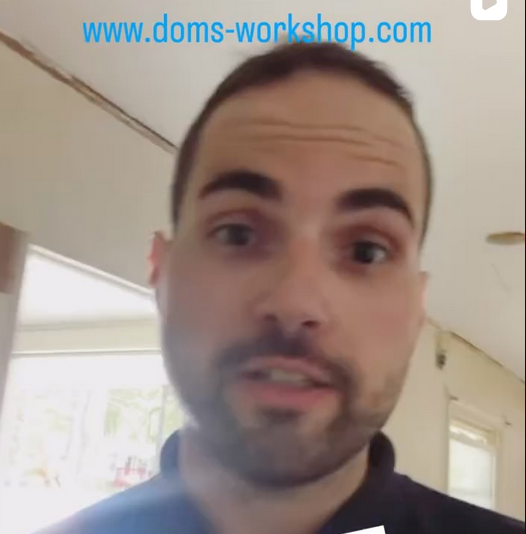
Dominic Campelo
Founder, Dom's Workshop

Property sat on market before Dominic acquired it at a discount
Negotiated off asking price by backing every claim with documented proof
First TaskTag user to exceed the original storage limit across active flips
Complete project visibility for lenders, crews, and stakeholders at all times
From Basement Remodels
To Fix-and-Flips
How Dominic built a renovation business strong enough
to take on deals everyone else runs from.
Residential Remodeling
Growing Project Volume
Transition to Fix-and-Flips
Multiple Properties
Scalable Systems
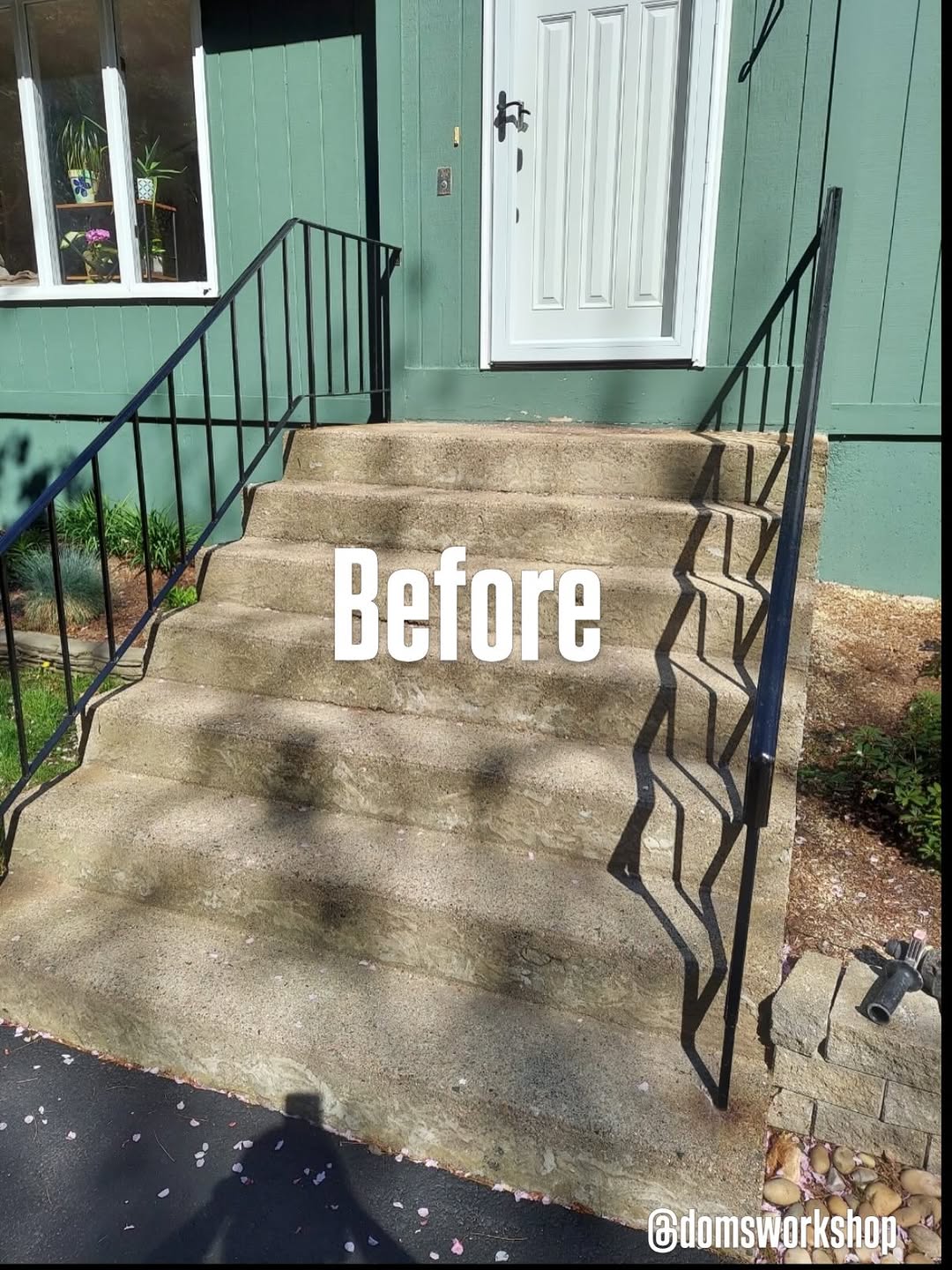 Before
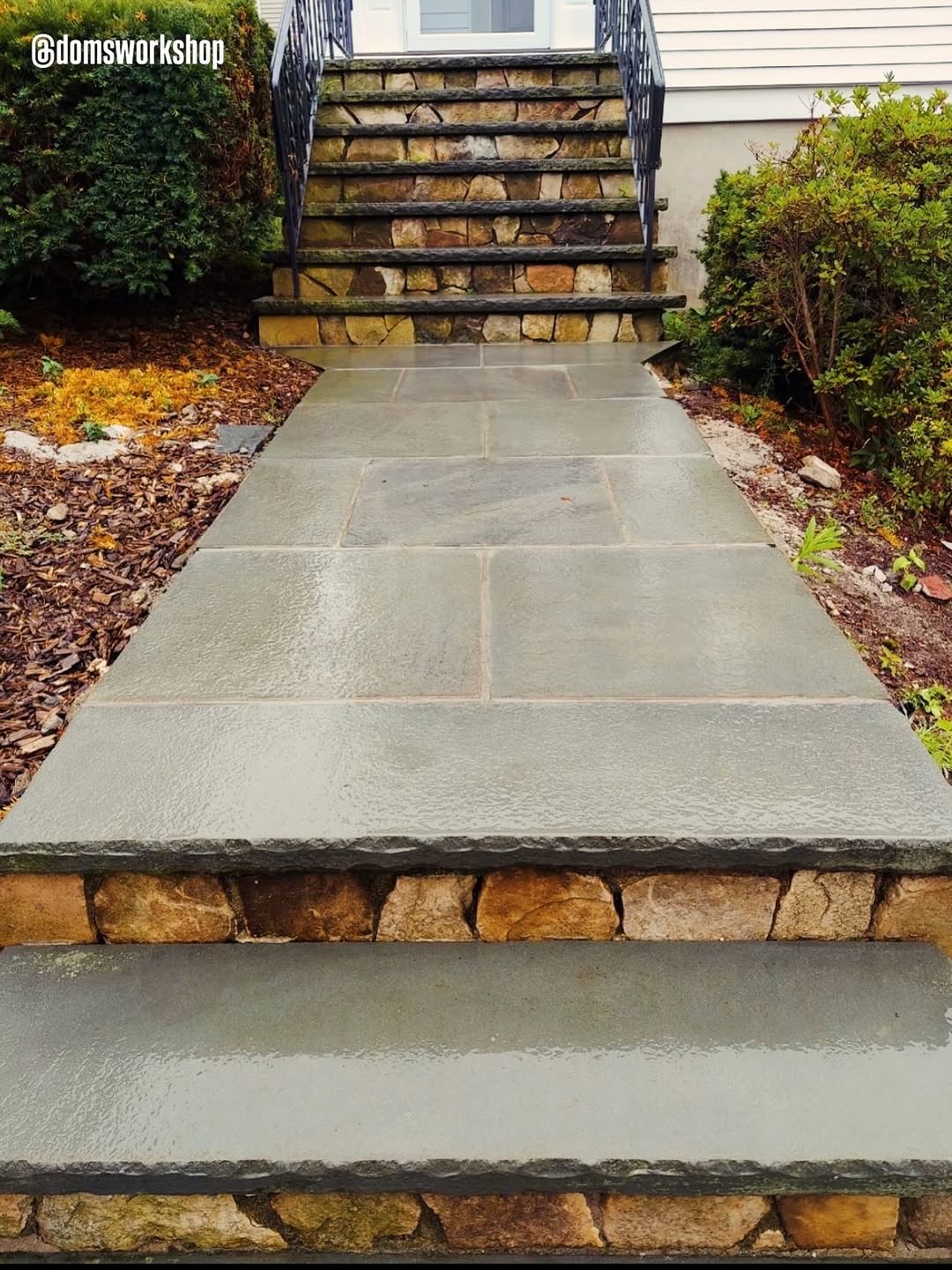 During
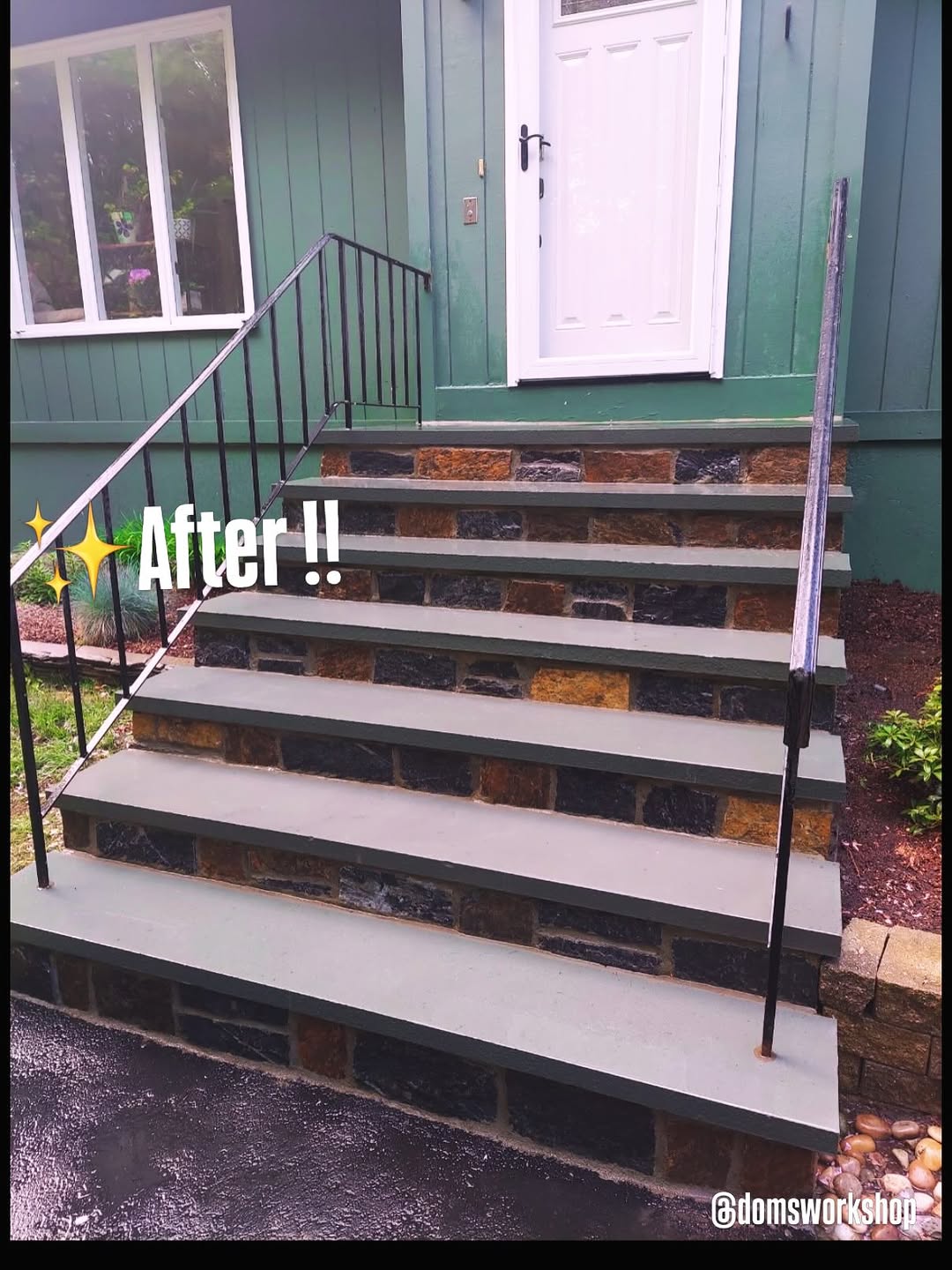 After
After
"The most difficult aspect of flipping is the renovations. If you can guarantee renovations, you can go after deals everyone else runs from."
Dominic Campelo
Founder, Dom's Workshop
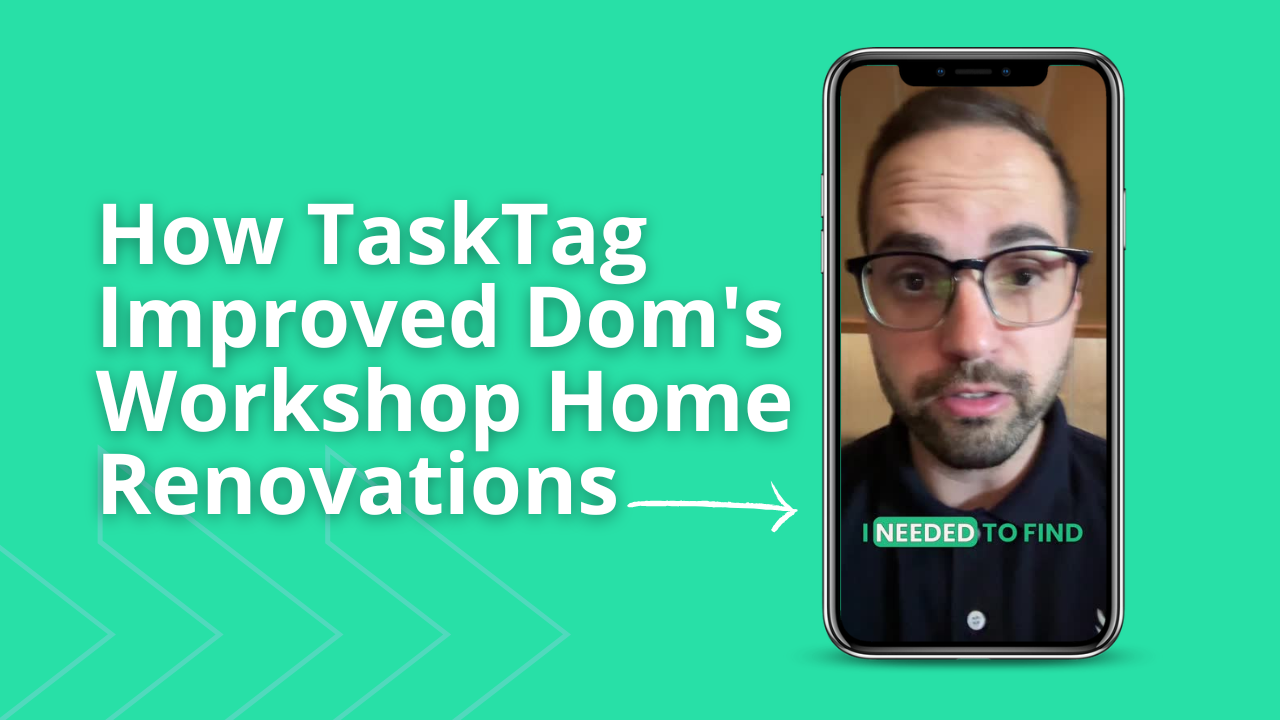
Why Dominic Started Looking
For An Alternative
"They got to a crazy price! So I just started looking online for a different app."
Before TaskTag
-
Pricing Became Unsustainable
CompanyCam's cost increased dramatically, making it impossible to justify at scale across multiple projects.
-
No Affordable Scalability
Adding more projects meant exponentially higher costs — a growth ceiling built into the pricing model.
-
Fragmented Across Projects
Multiple active flips with no unified view — photos, updates, and notes scattered everywhere.
-
No Centralized Documentation
Lender draw requests required digging through camera rolls and iMessage threads to compile proof.
After TaskTag
-
Project-Based Organization
Every property gets its own tag. All updates, photos, and notes live in one organized channel.
-
Unlimited Photo Documentation
Capture and store every phase of every project — before, during, and after — without worrying about limits.
-
Team Collaboration Built-In
Send a link and subs are in the project instantly — whether they're already on TaskTag or joining for the first time.
-
Cloud Storage + Easy Onboarding
Every file, photo, and update archived in the cloud. Access any project, anywhere, anytime.
CompanyCam vs TaskTag
Want to see every feature compared side by side?
More Resources for Remodelers
& Flippers
Guides and tools to help you document every project,
manage draws, and close jobs faster.
.jpg?width=800&height=600&name=1%20(77).jpg)
Construction Photo Documentation Best Practices
Learn how leading contractors organize jobsite photos, create client-ready progress reports, and build visual project histories that protect against disputes.
Read More →
The Ultimate Daily Field Report Checklist for Busy Contractors
Top contractors swear by a solid daily field report checklist to keep crews synced, work moving, and risks down. Step-by-step template built for busy job sites.
Read More →
Construction Closeout Checklist: Complete Project Closeout Guide
The last 5% of a project takes 20% of the time. A structured 5-phase closeout process compresses final payment delays and gets you paid faster.
Read More →
How to Streamline Client Communication Using TaskTag
Keep clients updated without chasing them down with phone calls or drowning in email threads. Deliver real-time project updates directly from the job site.
Read More →
Field Inspection Checklist: Workflows for Custom Home Builders
Complete guide to implementing daily inspection checklists, photo documentation standards, and quality control processes that keep residential projects on track.
Read More →
How to Capture Before and After Construction Photos in TaskTag
Turn every job into a marketing asset. A centralized before-and-after photo log helps you document progress, prove quality, and generate content without chasing your crew.
Read More →Frequently Asked Questions
Common questions from fix-and-flip developers using TaskTag
Fix-and-flip developers benefit from tools that handle photo documentation, crew coordination, and lender draw support in one place. TaskTag is built exactly for this — each property gets its own project thread where photos, updates, and draw documentation live together. Dominic Campelo uses it to manage multiple active flips simultaneously without switching between apps.
TaskTag organizes every project by property and phase, so draw request photos are already tagged and categorized. When a lender needs documentation, you can share a direct link to the project — no scrambling through camera rolls or iMessage threads. For Dominic, this cut draw approval time significantly compared to his old process with CompanyCam.
Yes. TaskTag offers photo documentation at a flat, affordable rate without per-seat pricing. Unlike CompanyCam, TaskTag also includes messaging, task management, lender draw support, and crew collaboration — giving fix-and-flip developers a complete system rather than just a photo app. Dominic switched after CompanyCam's pricing became unsustainable as his project volume grew.
Leading contractors use tagged photos, phase checklists, and project timelines. In TaskTag, every photo is attached to a specific project and phase, creating an automatic audit trail ready to share with clients, inspectors, or lenders at any time. Photos are timestamped and organized — no manual sorting required.
Timestamped photos attached to a project record make disputes far easier to resolve. When a homeowner or lender challenges the quality or scope of work, a documented visual trail shows exactly what was done, when, and by whom — removing ambiguity and protecting your business. Dominic uses this for every flip to back up every claim with proof.
Each property in TaskTag gets its own project thread. You can review any project's latest photos, pending tasks, and draw documentation in a single dashboard without switching apps or digging through texts. Dominic manages several active flips simultaneously this way, keeping lenders, subs, and timelines clearly separated per property.
Yes. TaskTag lets you invite lenders, owners, or stakeholders into a project with a simple link. They get visibility into progress photos and updates without needing to download an app or create an account — making draw approvals faster and communication more transparent for everyone involved.
Stop Driving Between Jobs
For Updates
See project progress, document repairs, share updates with lenders,
and keep every renovation organized in one place.
No credit card required · Free plan available · Cancel anytime