How Holdfast Got Clients Off Text Threads and Into the Project
Henry Thompson at Holdfast replaced scattered texts and email chains with a centralized project workflow using TaskTag.
Every homeowner gets instant project access without juggling logins or app downloads
All crew updates, decisions, and photos flow through one organized project thread
No more searching through scattered messages to find critical project decisions
Framing, trim, and finish work tracked with simple crew-friendly task lists
Every site photo automatically sorted by project, phase, and date for instant retrieval
"Anything where I used to have to sort through a text message thread or email thread, I've been trying to move all that over to TaskTag."
"I can just click on the project and see what our last update was there."
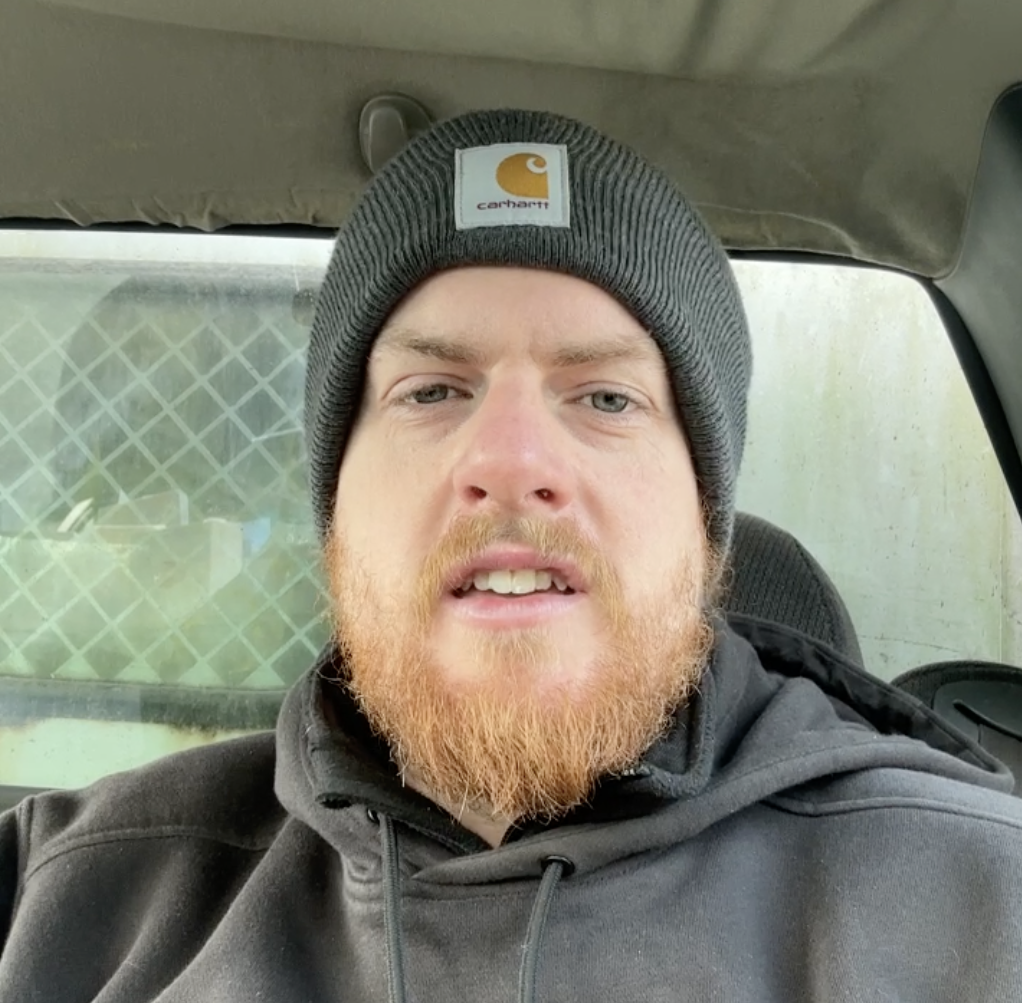
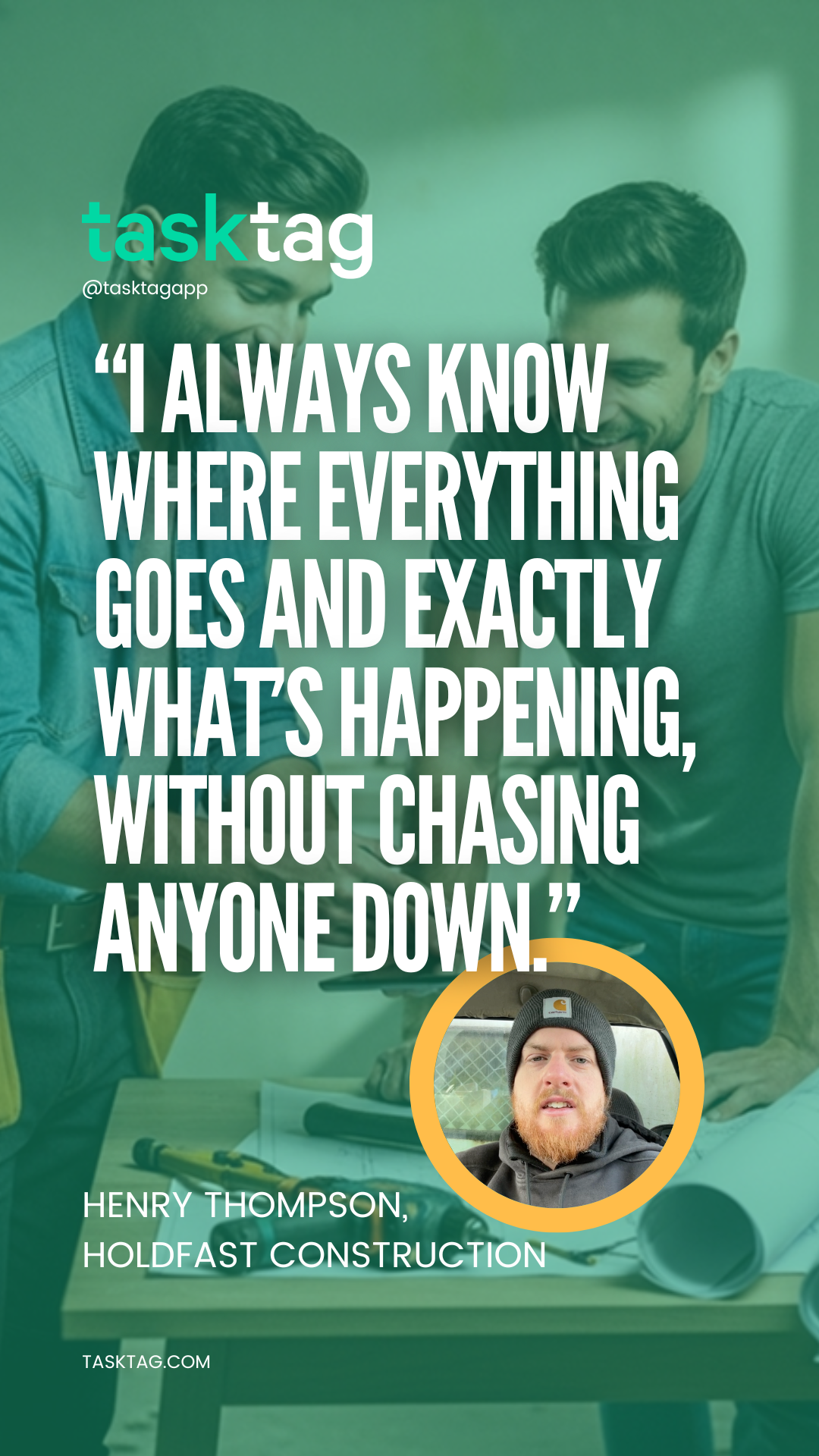
Watch Henry Thompson's Story
The Challenge: Chaos in the Field
Before TaskTag, Holdfast Construction was managing complex residential additions using a mix of text messages, emails, and scattered photo albums. Field supervisors were spending hours at the end of each day trying to organize photos and update clients.
"We were losing track of change orders in text threads, and clients were constantly asking for progress photos. It was unmanageable," notes Henry Thompson.
The Solution: Chat-First Project Management
Implementing TaskTag brought everything into one place. Because the interface mimics familiar chat apps, adoption among the framing and carpentry crews was immediate. No complex training required.
Key Implementation Steps
- Set up dedicated project tags for each active residential build
- Invited all field crew and subcontractors
- Established standard photo documentation rules per phase
Holdfast's Winning Workflow
How they structure their residential construction projects inside TaskTag.
Daily Site Photos
Crew members snap photos directly in the app. TaskTag automatically organizes them by project, creating an undeniable visual record of progress.
Task Tagging
When an issue arises (like a framing clash), supervisors snap a photo, tag the relevant trade, and track it to resolution within the chat thread.
Client Updates
At week's end, Henry Thompson easily exports a formatted PDF report of all tagged photos and updates to send to the homeowner.
Get Your Projects Out of
Text Threads
TaskTag helps contractors organize communication, document every update, and keep crews and clients aligned in one place.
Built by contractors
Designed for real field work, not corporate offices
Easy crew adoption
Feels like texting — zero training required
No complicated setup
Start your first project in under 5 minutes
Works in the field
Mobile-first for on-site crews and supervisors
Trusted by residential contractors across the country
How the Checklist Does Two Jobs
From material tracking to crew observations, Holdfast's checklist system
catches everything that matters.
Material Lists in the Field
Crew members create real-time material checklists on-site. No more forgotten supplies or duplicate trips to the lumber yard.
Crew Catch-All System
Field observations that don't fit anywhere else go into quick checklist items. Henry reviews and converts critical ones to tracked tasks.
The Workflow in Action
Crew Notices Issue
Field observation during framing
Task Created
Promoted to tracked task with deadline
Software the Crew Actually Uses
No training manuals. No resistance. Just familiar chat-style updates that
carpenters and framers understand instantly.
Feels Like Texting
Crew members already know how to use it. The interface mimics familiar messaging apps they use every day.
Photo-First Updates
Snap a photo, add a quick note, done. No complex forms or mandatory fields blocking progress.
Zero Training Required
Henry Thompson's team started using TaskTag the same day. No onboarding sessions, no instruction videos.

Photo uploaded
Framing progress · Kitchen addition
From Setup to Full Team Adoption
Project Created
Henry Thompson sets up first residential project in TaskTag
Crew Invited
Team members join via simple text link
First Photos
Crew starts uploading site progress naturally
Expanding Use
Field supervisors start using checklist tasks for daily work
More Resources for Residential Contractors
Explore proven workflows, best practices, and implementation guides
to streamline your construction projects

Field Inspection Workflows for Custom Home Builders
Complete guide to implementing daily inspection checklists, photo documentation standards, and quality control processes that keep residential projects on track.
Read Guide →.jpg?width=800&height=600&name=1%20(77).jpg)
Construction Photo Documentation Best Practices
Learn how leading contractors organize jobsite photos, create client-ready progress reports, and build visual project histories that protect against disputes.
Read Guide →
The Ultimate Daily Field Report Checklist for Busy Contractors
Top contractors swear by a solid daily field report checklist to keep crews synced, work moving, and risks down. Step-by-step template built for busy job sites.
Read Guide →
How to Capture Before and After Construction Photos in TaskTag
Turn every job into a marketing asset. A centralized before-and-after photo log helps you document progress, prove quality, and generate content without chasing your crew.
Read Guide →
How to Streamline Client Communication Using TaskTag
Keep clients updated without chasing them down with phone calls or drowning in email threads. Deliver real-time project updates directly from the job site.
Read Guide →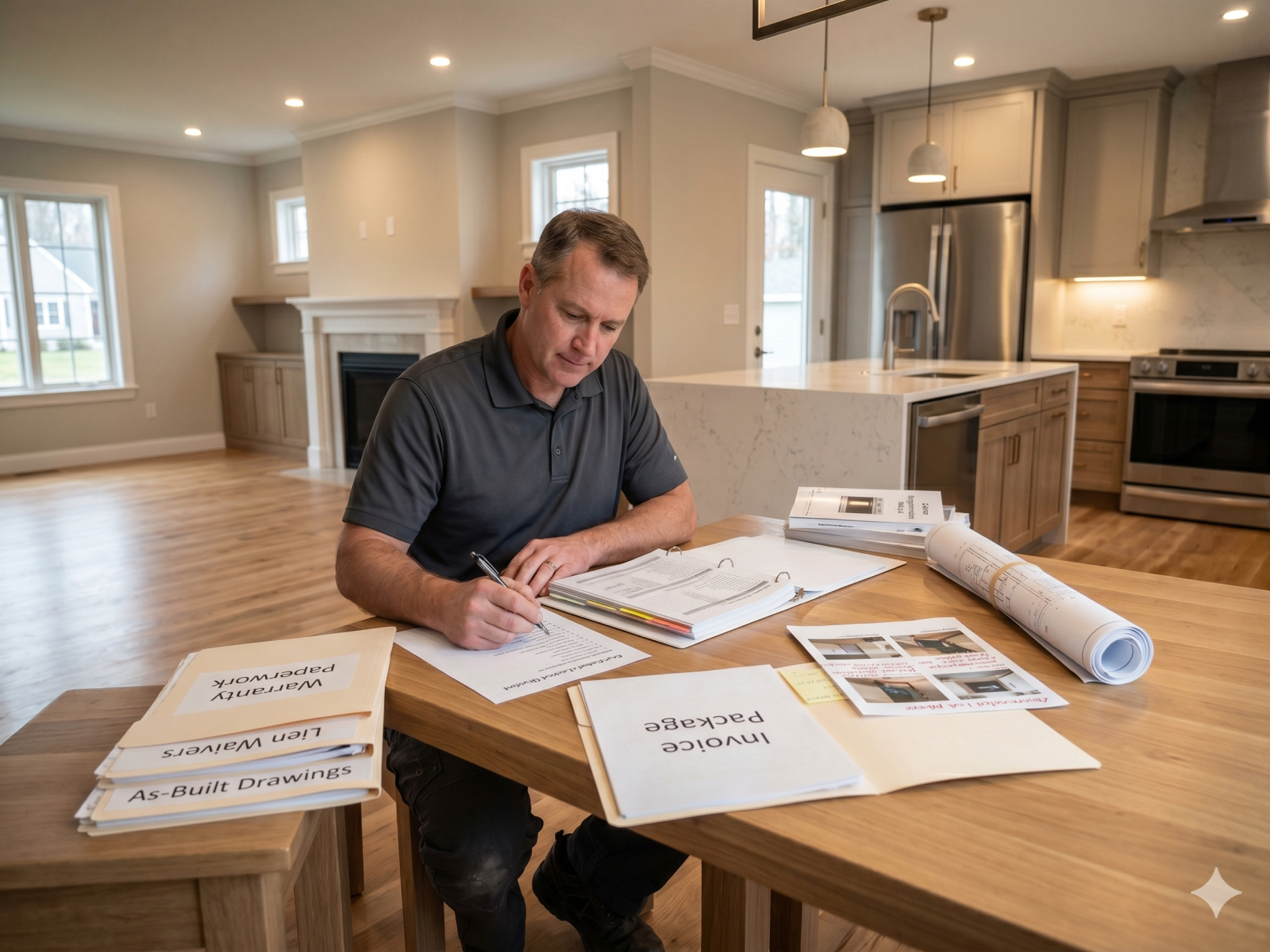
Construction Closeout Checklist: Complete Project Closeout Guide
The last 5% of a project takes 20% of the time. A structured 5-phase closeout process compresses final payment delays and gets you paid faster.
Read Guide →Frequently Asked Questions
Common questions from residential contractors implementing TaskTag
TaskTag gives clients direct access to their project thread — photos, updates, and decisions are all visible in real time without needing to call or email. Contractors add clients directly to the project and they receive updates automatically as the crew posts from the field.
Crew members create live material checklists directly inside the project thread on their phones. Each item can be checked off as it arrives on site, with a photo attached if needed. This eliminates duplicate orders and forgotten supplies without any paperwork.
Any crew member can tag a task, snap a photo, and assign it to the right trade — all from the job site. Tasks live inside the project thread so nothing gets lost. Supervisors can see what's open, in-progress, or completed without leaving the office or making calls.
TaskTag is designed to feel like a group text — subs join via a simple link and start posting updates immediately. There's no app store account, no training, and no learning curve. Most subcontractors are active on the same day they're invited.
Yes — Holdfast Construction adds every homeowner directly to their project thread. Clients can see progress photos, approved decisions, and schedule updates without texting the contractor. This reduces back-and-forth calls and builds trust throughout the build.